
New drivers
New drivers: complete process
How to become a self-employed delivery driver with HP Express. Every step, from applying online to booking your training.
Step by step
- 01
Apply on our website
Go to www.hp-express.co.uk (or www.hpexpress.co.uk). Click Apply.
- 02
Create a work email, then fill in the form
Important: before you fill in the form, create a new email address. Use it only for this work. On this page we call it your work email. All information about the work will be sent to your work email. It is also your login for the Amazon Flex app. Then fill in the application form.
- 03
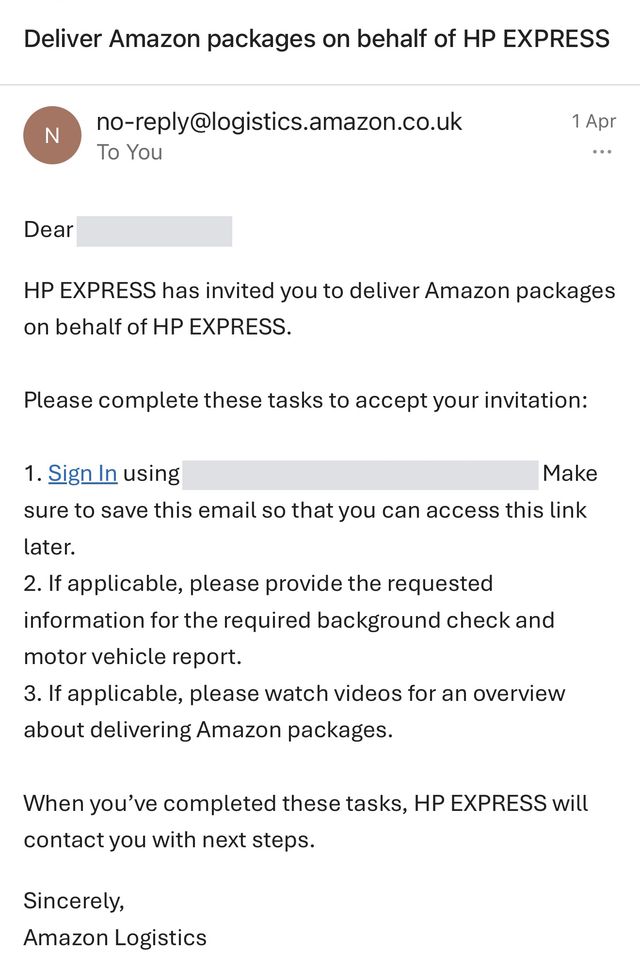
Wait for the email from Amazon
Within a few hours, you will get an email from Amazon in your work email. The subject is: “Deliver Amazon packages on behalf of HP EXPRESS”.
- 04
Create your Amazon account
In the email from Amazon, press Sign In. Create your new Amazon account. Use your work email as your username. Choose a password. You will need this password again in the next step.
- 05
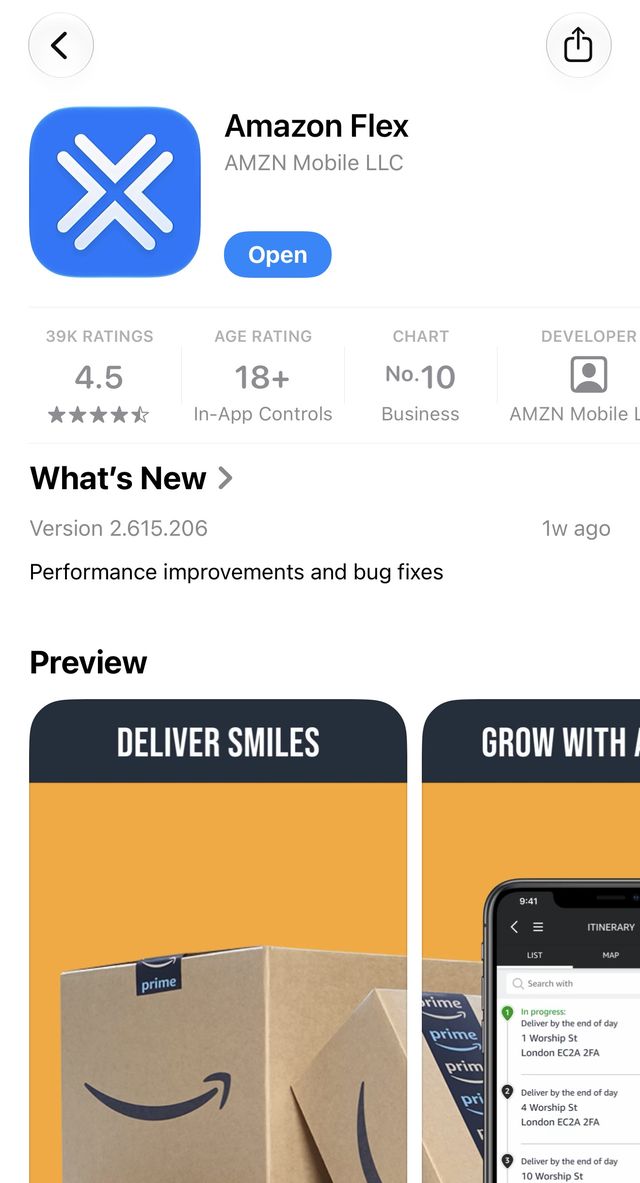
Download the Amazon Flex app
Download the Amazon Flex app on your phone. Log in with your work email and the same password.
- 06
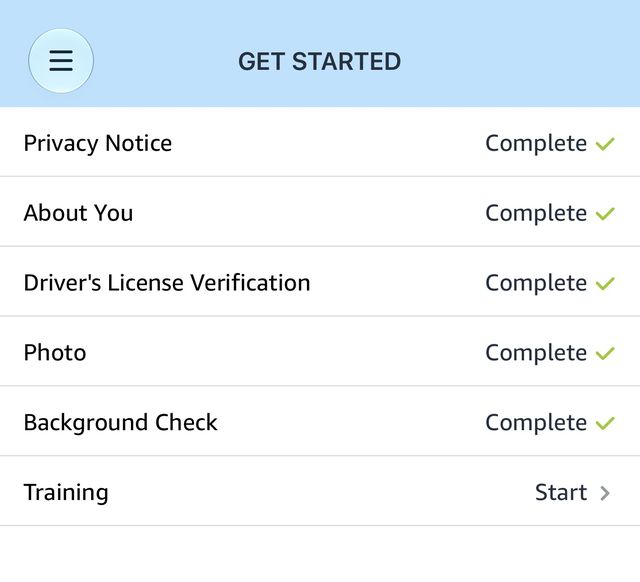
Enter your personal details
In the Amazon Flex app, start to fill in your personal details. The app shows a list of tasks, like in the picture.
- 07
Upload your driving licence
Take a photo of the front of your driving licence. Take a photo of the back. Upload both photos in the Amazon Flex app. Tip: put your licence on a white sheet of paper. Make sure the photo shows all four edges of the licence.
- 08
Take a selfie
Take a selfie (a photo of your face). Upload it in the Amazon Flex app. Press Next. This takes you to “Background check”.
- 09
Submit your details
Check that you have filled in everything. Then press Next.
- 10
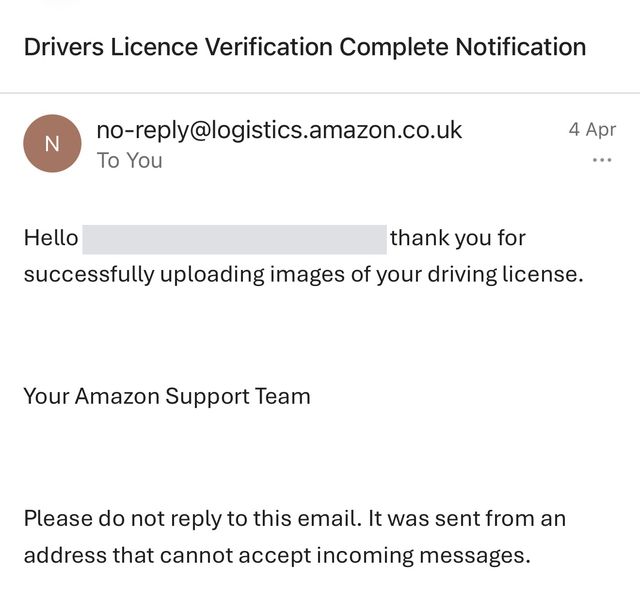
Wait for the driving licence check
The driving licence check takes about 24 hours. Check your work email often. When the check is complete, you will get an email like the one in the picture.
- 11
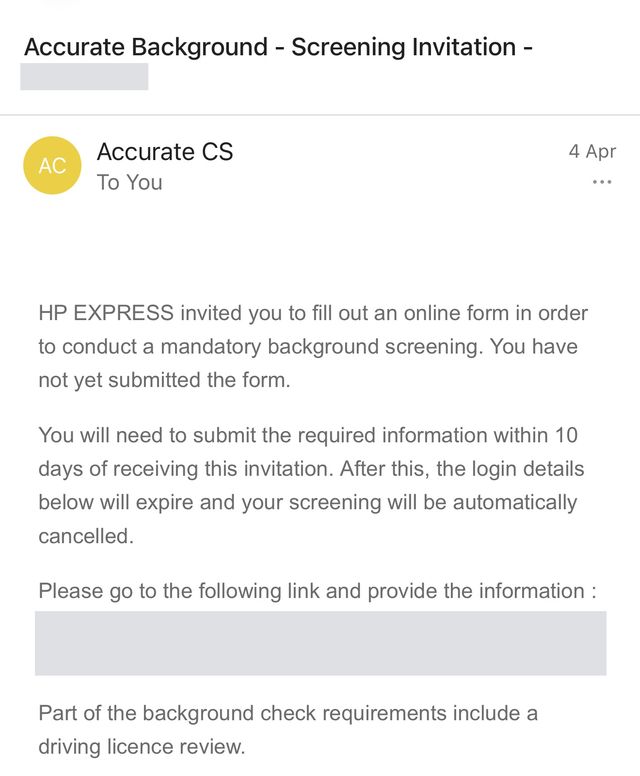
Email from Accurate Background
After your driving licence check is complete, you will get an email from Accurate Background. Open the link in this email. Create an account with Accurate Background. Accurate Background will do your background check.
- 12
Complete the background check
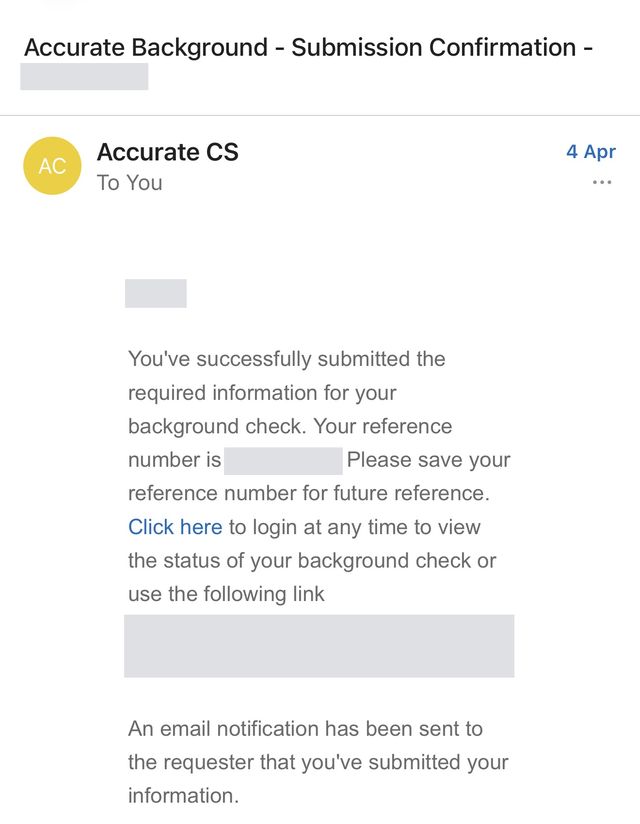
Fill in all the background check forms on the Accurate Background website. Then submit them. You will get an email to confirm, like the one in the picture. The check takes 1 to 4 days.
- 13
Training
Our onboarding team will get your background check results. Then they will contact you. They will book your training.
Need help?
Do you need help with the application? Call us on +44 7789 132002. Or send a WhatsApp message to +44 7345 763380. You can also visit us at Amazon DXM2, Trafford Park, 7 days a week. We will help you fill in the application.
Address: Amazon DXM2, Union Square, Fifth Avenue, Trafford Park, Manchester M17 1TN
Thank you.